by
by Summary Box: A Caller Name Announcer App can speak the caller’s name aloud when your phone rings, helping you know who is calling without checking the screen. This guide explains its useful call, SMS, WhatsApp and flashlight features.
What Is a Caller Name Announcer App?
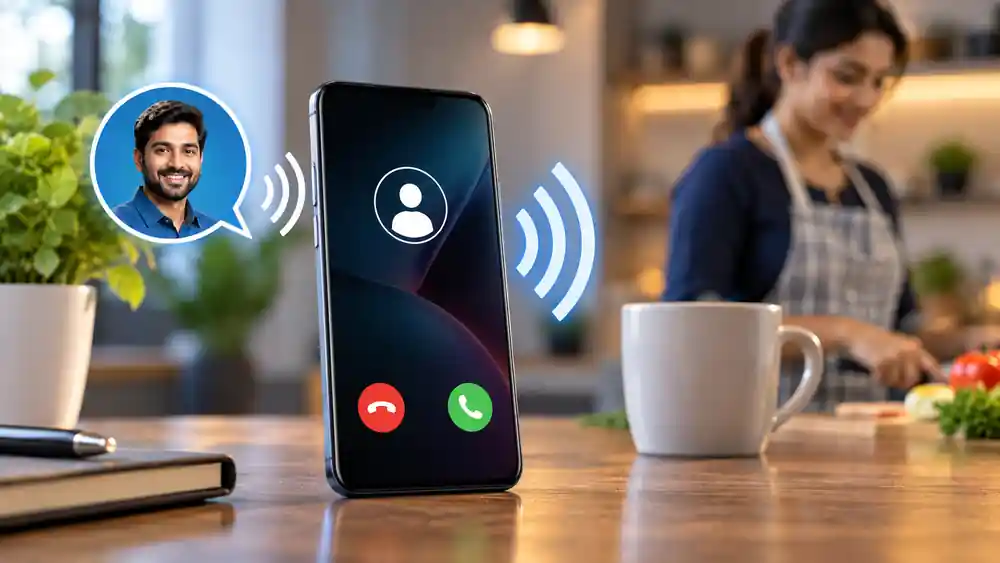
A Caller Name Announcer App is designed to announce incoming calls using your phone’s text-to-speech system. This can be useful when your phone is away from you, when you are working, cooking or doing another activity where checking the screen is inconvenient. The app covered here also supports announcements for SMS and WhatsApp notifications.
The Android listing currently shows more than 10 million downloads, a 4.1-star rating and support for advertisements and in-app purchases. The listing identifies Backtracking Technologies as the developer.
Caller Name Announcer App: 7 Useful Features
1. Speak the Incoming Caller Name
When someone calls, the app can announce the caller’s name aloud. This means you can identify a saved contact without immediately picking up your phone or looking at its display.
2. Identify Unknown Calls
The caller ID feature can also help identify unknown phone calls. The information available for an unknown number depends on the service and the available caller-identification data.
3. Announce SMS Messages
The app supports SMS announcements and can provide spoken information about incoming messages. Users can adjust announcement settings depending on how they want notifications handled.
4. WhatsApp Announcements
WhatsApp notifications can also be announced through the app. This provides another hands-free way to know when a WhatsApp message or call arrives without constantly checking the phone screen.
5. Customize Voice Settings
The app works with supported text-to-speech engines and allows users to adjust announcement volume for different notification types. It also supports multiple languages where the phone’s TTS system provides the required language.
6. Flashlight Alerts
Along with voice announcements, the app can make the phone’s flashlight blink when calls, SMS messages or app notifications arrive. Users can also change the blinking pattern and use supported gestures to stop the flash alert.
7. Control Announcements
Users can turn announcements off for selected contacts and configure how the feature behaves in different phone modes, including ring, silent and vibrate. This makes it possible to reduce unnecessary announcements when needed.
How to Set Up the App
Setting up a Caller Name Announcer App is simple:
- Install the app from Google Play.
- Open it and provide the permissions it requires.
- Enable caller announcements.
- Select your preferred TTS language and voice.
- Adjust volume and announcement settings.
- Enable SMS, WhatsApp or flashlight alerts if required.
The current Google Play listing shows version 3.5.3 and notes bug fixes and performance improvements in its latest listed update.
Is It Useful for Everyday Phone Use?
It can be convenient for people who frequently keep their phone away from them or cannot easily look at the display. However, users should review permissions and notification settings before enabling features that access calls, contacts or messages. The Google Play listing says the developer may share certain data types with third parties and that data is encrypted in transit.
Frequently Asked Questions
What does a Caller Name Announcer App do?
It speaks information about incoming calls and can also announce supported SMS and WhatsApp notifications.
Can it announce unknown callers?
The app includes caller-ID functionality for identifying unknown calls where information is available.
Table of Contents
Can I use flashlight alerts?
Yes. The app supports flash alerts for calls, SMS and app notifications, with configurable blinking patterns.
Does it work with silent mode?
The developer’s listing states that announcement settings can work across ring, silent and vibrate modes.
Conclusion
A Caller Name Announcer App can turn incoming calls and notifications into useful voice alerts, reducing the need to check your phone repeatedly. Its caller announcements, SMS and WhatsApp support, voice controls and flashlight alerts provide several options for hands-free phone use.
Internal Link Suggestion:
RTO Vehicle Information Online: 7 Amazing Details You Can Check
Official External Link(s):
Official Developer Website
Official Google Play Listing