by
by Summary Box: A Battery Charge Alert App can notify you when your charger connects, charging reaches a selected level, the battery becomes full or the phone starts draining power quickly. Here are useful alert features, customization options and charging information you can explore.
What Is a Battery Charge Alert App?
A Battery Charge Alert App is designed to keep you informed about changes in your phone’s battery and charging status without requiring you to repeatedly check the screen. The app covered here can provide alerts for charger connection, charger removal, low battery, full charge, temperature changes, high battery drain and selected percentage changes. It also allows users to create custom alerts for specific battery levels.
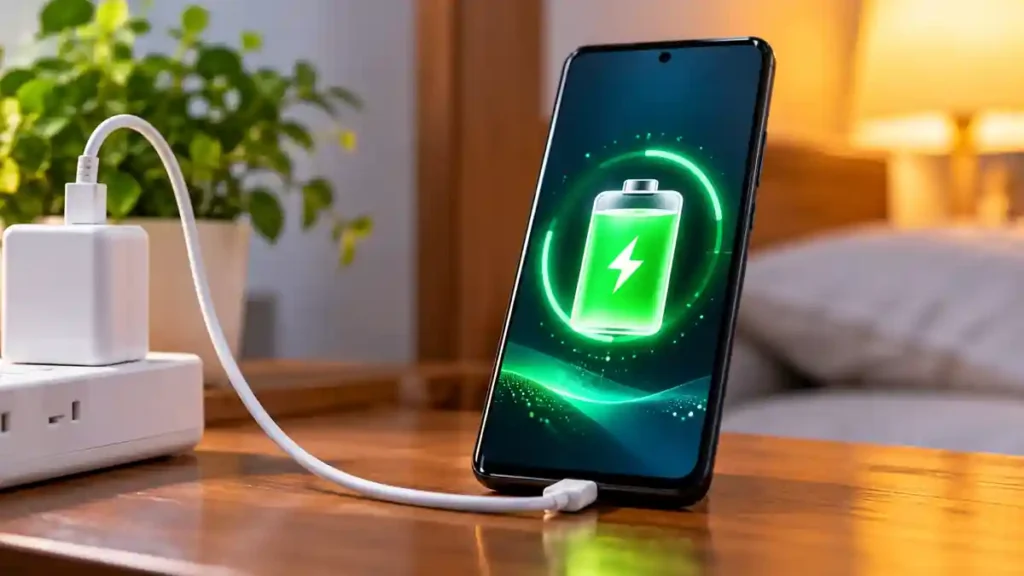
This can be particularly useful when your phone is charging away from you. Instead of depending only on the standard system notification, you can configure a sound, voice message or vibration for different battery events.
Battery Charge Alert App Features You Should Know
1. Get an Alert When Charging Starts
You can configure a notification for the moment the charger is connected. This is useful if your phone is placed somewhere nearby and you want an audible confirmation that charging has actually started.
2. Know When the Battery Is Fully Charged
A full-charge notification can tell you when charging reaches the selected condition. The app supports repeated alerts for important notifications, helping users notice an alert even if they miss the first sound.
3. Create Custom Battery Alerts
You are not limited to standard battery events. Custom alerts can be created for a battery percentage of your choice, making the notification system more flexible for different charging habits.
4. Choose Your Own Alert Sound
Different notification styles can be assigned to battery events. Available options include built-in alert sounds, music tracks, text-to-speech voices and custom audio files stored on the phone.
5. Use Voice Notifications
Text-to-speech support can announce battery-related information using different voices and supported languages. This means you can hear an alert rather than depending entirely on a notification displayed on the screen.
6. Monitor Battery Temperature and Drain
The app can provide information about battery temperature, charging or discharging speed and high battery drain. These details can help users understand what is happening while the phone is charging or being used.
7. Check Charging History
A charging history section records information such as the last charger connection and disconnection times. The dashboard can also show battery capacity, voltage, temperature and battery type.
How to Set Up Battery Notifications
After installing the app, open the available battery-alert settings and choose the events you want to monitor. You can then select the preferred sound, vibration behaviour, notification delay and repetition options for individual alerts. Because settings can differ by phone and Android version, check the app’s available permissions and notification controls during setup.
Is This Battery Alert Tool Free?
The Google Play listing currently shows the app as free to install and supported by advertising. It has more than 1 million downloads and a 4.6-star rating from about 2.4K reviews on the listing checked.
Frequently Asked Questions
Table of Contents
Can I choose a custom battery percentage?
Yes. Custom alerts can be created for a battery percentage selected by the user.
Can it announce battery information by voice?
Yes. The app supports text-to-speech alerts with multiple voice and language options where supported.
Can I use my own sound?
Yes. Custom audio files from the phone can be selected for supported alerts.
Does it show charging information?
Yes. The app provides information such as charging or discharging speed, battery temperature, voltage and charging history.
Conclusion
A Battery Charge Alert App can make battery monitoring more convenient by turning important charging events into customizable sound, voice and vibration alerts. From full-charge notifications to temperature, drain and charging-history information, it offers several ways to keep track of your phone without constantly checking the display.
Internal Link Suggestion:
Phone Screen Hider: 7 Amazing & Powerful Privacy Features to Know
Official External Link:
Official Google Play Listing
Android:
Download on Google Play