
 by
Summary: Jeevan Pramaan Online allows eligible pensioners to generate a Digital Life Certificate using Aadhaar-based face authentication. Learn how to install the required apps and complete the process in six simple steps.
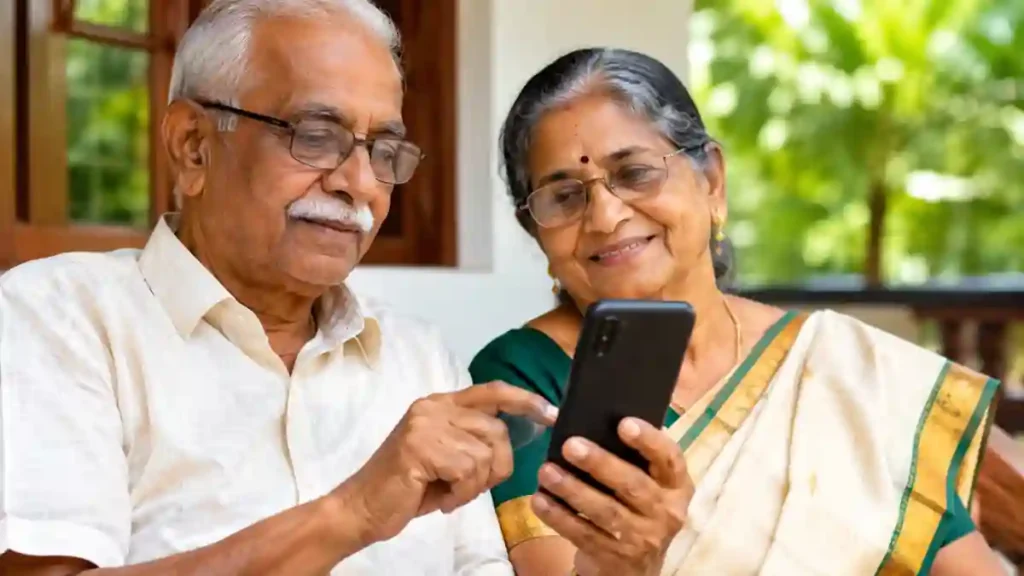
Submitting a life certificate every year is essential for pensioners to continue receiving their pension. However, visiting a bank or government office can be difficult for elderly people. Jeevan Pramaan Online provides a convenient digital solution that allows eligible pensioners to complete their verification using a smartphone from home.. Here is a complete guide to downloading the necessary applications and completing the process from home.
What Is the Digital Life Certificate Service?
Jeevan Pramaan is a Government of India initiative that provides a digital alternative to the traditional paper-based life certificate. It is available to eligible government pensioners whose Pension Sanctioning Authority is registered on the platform.
The service uses Aadhaar authentication through facial recognition, fingerprint or iris scanning. Once verification is successful, a unique Pramaan ID is generated. The certificate becomes electronically accessible to the pension disbursing agency, reducing the need for physical document submission.Using Jeevan Pramaan Online, pensioners can access the required applications and begin the digital life certificate process without visiting a bank.
How to Complete Jeevan Pramaan Online in 6 Steps
Step 1: Download and Install the Required Applications
To generate a Digital Life Certificate using face authentication, pensioners need two applications: AadhaarFaceRD and Jeevan Pramaan Face App. Both applications are available for supported Android and iOS devices.
Download the applications using the official links below. Install AadhaarFaceRD first, followed by the Jeevan Pramaan application.
AadhaarFaceRD App
AadhaarFaceRD App
Download Aadhaar Face RD App (iOS) ↗ Download Aadhaar Face RD App ↗Jeevan Pramaan Face App
Download Aadhaar App ↗ Download Jeevan Pramaan App (iOS) ↗Step 2: Complete Operator Authentication
Open the Jeevan Pramaan application and start the operator authentication process. Enter the operator’s Aadhaar number and mobile number, verify the OTP and follow the facial scanning instructions. The pensioner can also act as the operator.
Table of Contents
Step 3: Enter Pensioner’s Personal Details
Provide the required information, including Aadhaar number, name, mobile number and PPO number. Make sure the details match the pension records to avoid authentication or submission problems.
Step 4: Provide Pension Account Information
Enter the pension-related information, including the bank account number and relevant pension authorities. Select the correct Pension Sanctioning Authority and Pension Disbursing Agency from the available options.
Step 5: Complete Face Authentication
Allow the application to access your smartphone camera. Position your face correctly and follow the instructions displayed on the screen. Choose a well-lit place to help the application capture your face accurately.
Step 6: Generate and Save the Certificate
After successful authentication, the Digital Life Certificate will be generated with a unique Pramaan ID. A confirmation SMS will also be sent to the registered mobile number. Keep this ID safely for future reference.
How to Check Digital Life Certificate Status?
Visit the official Jeevan Pramaan portal and use your Pramaan ID to access the certificate download facility. Follow the OTP verification process to view or download your certificate.
If the certificate is rejected because of incorrect information, contact your Pension Disbursing Agency for assistance.
Frequently Asked Questions
Is Jeevan Pramaan free?
The official digital certificate service is provided through the government platform. Charges may apply if you use an assisted service centre.
Is a bank visit compulsory?
No. Eligible pensioners can generate their certificate from home using the supported mobile application and face authentication.
Is Aadhaar mandatory?
Yes. Aadhaar number or Virtual ID is required to generate a Digital Life Certificate.
Do I need to submit the certificate to my bank?
Generally, no. The generated certificate is electronically available to the connected Pension Disbursing Agency.
Is the Digital Life Certificate valid for life?
No. Its validity depends on the rules of the Pension Sanctioning Authority. A fresh certificate must be generated when the existing validity expires.
Conclusion
Jeevan Pramaan Online makes annual pension verification easier by offering a convenient Aadhaar-based face authentication facility for eligible pensioners. By installing the required applications and following these six steps, eligible pensioners can generate their Digital Life Certificate without an unnecessary bank visit. Always check the certificate status and keep the Pramaan ID safely.
Tatkal Ticket Booking 2026: Complete Guide to Timings, Aadhaar Rules & 15 Smart Tips