by
by Video editing can become difficult when every clip, caption, transition and effect has to be created manually. The Best AI Video Editing Tools can automate many repetitive tasks and help creators produce content faster. AI video generation and AI editing are different workflows, but they can work together effectively. A creator can generate original footage with an AI video generator and then use an AI editor to add captions, music, branding and transitions. This approach can save time and reduce unnecessary manual work.
Best AI Video Editing Tools for Creators
CapCut
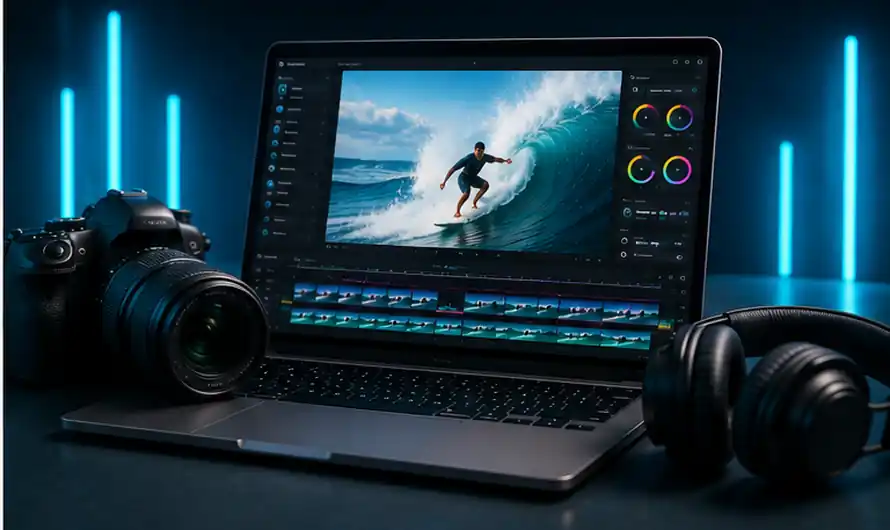
CapCut is one of the most practical choices for short-form video creators. It combines editing, captions, effects, transitions and selected AI features in one workflow. It is particularly useful for Shorts, Reels and other vertical videos.
Canva
Canva is useful when video editing and graphic design need to be handled together. Templates, text, images and video elements can be combined to create branded content. This makes Canva useful for bloggers, businesses and social-media creators.
Runway
Runway offers advanced generative and creative video capabilities. It can be used to experiment with AI-generated footage and visual effects. Its free access is limited, but it can still be useful for testing advanced workflows before considering a paid plan.
Dreamina
Dreamina works mainly as an AI video generator, but its generated footage can become valuable source material for editing. A creator can produce a short scene and then use another editor to add narration, captions, music and branding.
Pika
Pika is useful for creative transformations and short AI-generated clips. It can animate static images and produce unusual visual effects. This makes it particularly useful for social-media content where short, engaging visuals are important.
HeyGen
HeyGen focuses on AI avatars and presenter videos. It is useful for tutorials, educational content and business presentations. TechniqPoint has also published a detailed article covering HeyGen’s AI avatar and voice features.
InVideo AI
InVideo AI is useful for script-based video creation. It can help transform written ideas into structured video drafts, reducing the amount of manual assembly required for explainers and promotional content.
Luma Dream Machine
Luma Dream Machine can generate cinematic clips that can later be edited into larger projects. It is useful when a creator needs original footage rather than simply editing an existing recording.
Kling AI
Kling AI is worth considering for realistic movement and AI-generated scenes. It can complement conventional editing workflows by providing new footage that can be trimmed, combined and enhanced later.
Synthesia
Synthesia focuses on AI presenters and professional video communication. It is particularly useful for training, tutorials and business content where a digital presenter needs to communicate information clearly.
Best AI Video Editing Tools vs AI Video Generators
Table of Contents
The Best AI Video Editing Tools are not always the same as the best AI video generators. An editor works with existing footage, while a generator creates new material from prompts or images. If you already have recordings, an AI video editor free option may provide more value than a generator. If you need completely new scenes, an AI video generator is more appropriate.
How AI Editing Saves Time
Modern AI editing tools can reduce repetitive work such as caption creation, clip preparation, background processing and social-media formatting. A practical workflow could involve generating a scene with Dreamina, creating an avatar introduction with HeyGen and finishing the video with CapCut. Using specialised tools for individual tasks can be faster than forcing one platform to handle everything.
Problems to Avoid
One common mistake is assuming that free AI video editors provide unlimited usage. Credits, export quality, watermarks and feature restrictions can make a seemingly free platform less useful for regular production. AI-generated footage can also contain strange movements, visual errors or incorrect text. Always review the final video carefully before publishing it.
Final Verdict
The Best AI Video Editing Tools depend on your workflow. CapCut is excellent for social editing, Canva is useful for design-heavy projects, Runway offers advanced creative options, Dreamina and Pika are strong for generated footage, and HeyGen is ideal for presenter videos. Test free options with a real project and choose the platform that actually saves time and improves your final output.
Internal Links
Computric currently has dedicated AI, AI Prompts and AI Tools sections, so these are natural internal destinations for this article.
- ChatGPT vs Gemini vs Claude: Which AI Chatbot Is Best in 2026?
- Computric AI Tools
- Computric AI Prompts
- Computric AI
- Computric Tech News