by
by Summary Box: RTO Vehicle Information makes it easier to check important details linked to a car or bike using its registration number. This guide explains the useful features available for checking vehicle records, challans, insurance and more.
Why People Search for Vehicle Details Online
When buying a used vehicle, checking a parked car after an incident, or simply managing your own vehicle, having basic registration information can be useful. The CarInfo platform allows users to enter a vehicle registration number and access available vehicle-related information, including owner details, registration information and RTO details.
Instead of keeping separate services for different vehicle requirements, users can access several features from one place. However, the information shown through an app should be treated as a convenient reference, while official government portals remain important for authoritative records.
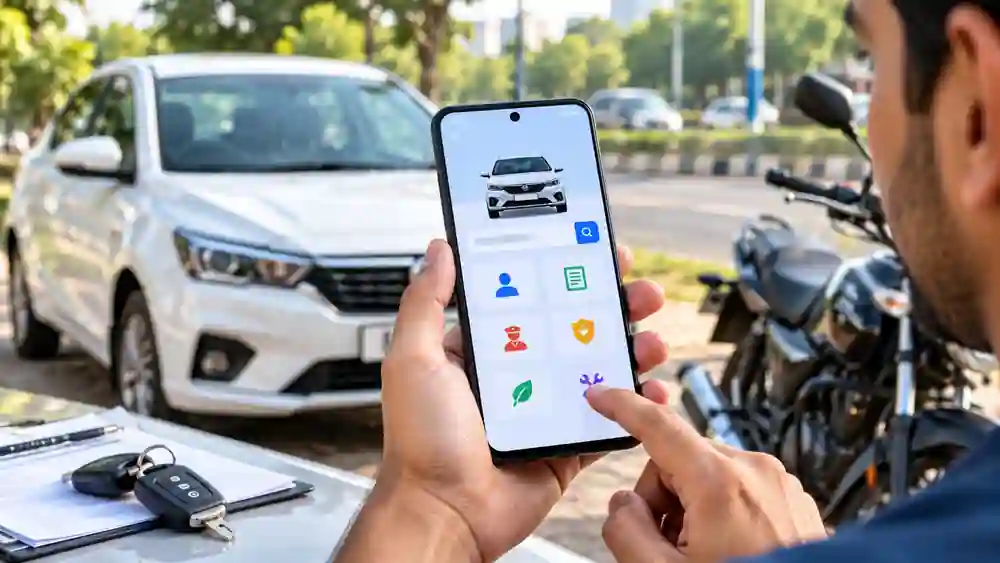
How RTO Vehicle Information Helps Before Buying a Used Car
Here are some of the useful details and services available through the platform:
- Vehicle Registration Details
Enter the registration number of a car or bike to check available registration-related information. This can be particularly useful when you want to verify basic details before purchasing a second-hand vehicle.
- Owner Information
Table of Contents
The service provides vehicle owner details associated with the available records. Such information can be useful in situations involving a used vehicle, road incidents or checking a vehicle record. The availability and display of personal information can depend on applicable data and access rules.
- Pending Challan Check
You can check traffic challans associated with a vehicle and access the available payment option. This is useful when checking a used car or bike before completing a purchase, as outstanding traffic penalties may need attention.
- Insurance Status
The platform also provides options to check vehicle insurance information and expiry dates. Users can set reminders and access insurance-related services, helping them avoid missing important renewal dates.
- Pollution Certificate Expiry
Vehicle owners can check the available pollution certificate expiry information and set reminders. Keeping track of documents such as insurance and pollution certification can make regular vehicle management easier.
- Service History and Vehicle Records
For supported vehicles, service-history information can help users understand previous maintenance activity. The platform also offers a personal garage where users can manage information related to their vehicles.
- RTO, FASTag and Resale Services
Beyond basic vehicle searches, the platform includes RTO information, FASTag recharge, resale-value checking and options related to buying or selling vehicles. These features make it more than a simple registration-number lookup tool.
How to Check a Vehicle Using Your Phone
The process is straightforward:
Open the vehicle information service or app.
Enter the vehicle registration number.
Submit the search.
Review the available registration and vehicle information.
Use the relevant section for challans, insurance or other services.
The official website also provides a registration-number search option for vehicle information.
Is This Vehicle Information Service Useful?
It can be useful for people who regularly manage cars or bikes, particularly when checking a used vehicle or keeping track of documents and renewals. The Google Play listing currently shows the app with a 4.6-star rating and more than 50 million downloads.
For important legal or ownership decisions, verify the information through the relevant official government service rather than relying only on a third-party application.
Frequently Asked Questions
Can I check a vehicle using its registration number?
Yes. The platform provides a registration-number search for available vehicle information.
Can I check pending challans?
Yes. Challan and e-challan checking is one of the listed features.
Can I check insurance expiry?
Yes. The service provides insurance-status and expiry-related information and reminder options.
Is the app available on Android?
Yes. The official Android listing is available on Google Play.
Conclusion
Checking RTO Vehicle Information from a phone can save time when you need basic vehicle records, challan information, insurance status or other related services. For the most important ownership and legal matters, always cross-check information with the appropriate official government source.Checking RTO Vehicle Information before buying a used vehicle can help you review important records and make a more informed decision.
Internal Link Suggestion:
Sell Your Old Car Online: 7 Smart Ways to Get Started With Your Phone
Official External Links:
CarInfo Official Website
CarInfo on Google Play