by
by Driving Licence Online: Apply, Renew, Download, and Check Status
A Driving Licence Online service allows eligible citizens to apply for a new driving licence, renew an existing licence, download a digital copy, and check application status without visiting the Regional Transport Office (RTO) for every step. The online process saves time, reduces paperwork, and makes licence-related services more convenient.
Whether you are applying for your first driving licence or renewing an expired one, Driving Licence Online services provide a secure and user-friendly way to complete most of the process from home. By keeping the required documents ready and following the official procedure, you can complete your application quickly and track its progress online.
Table of Contents
What is Driving Licence Online?
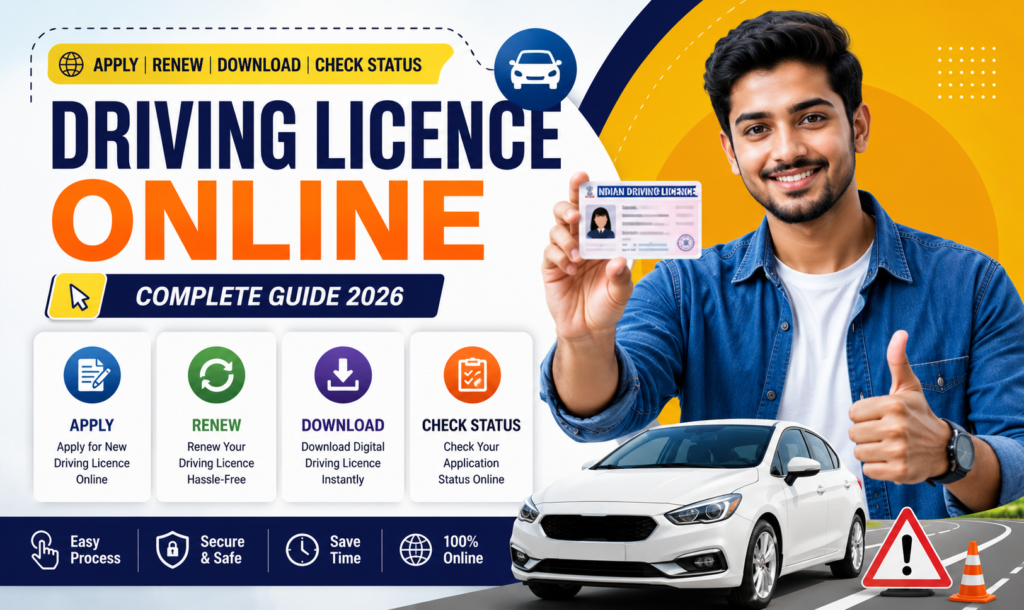
Driving Licence Online is a digital service that enables citizens to access various driving licence-related services through the official transport portal. Users can apply for a new licence, renew an existing licence, download a digital copy, update details, and check the application status online.
Benefits of Driving Licence Online
Applying online offers several advantages:
- Apply from home
- Secure online process
- Save time and paperwork
- Track application status
- Download digital licence
- Easy renewal process
- Transparent service
- Faster access to updates
Eligibility Criteria
Applicants should generally:
- Meet the minimum age requirement for the vehicle category.
- Hold a valid learner’s licence where applicable.
- Be medically fit to drive, if required.
- Provide valid identity and address proof.
Eligibility requirements may vary depending on the licence category and applicable transport rules.
Documents Required
Keep the following documents ready:
- Aadhaar Card
- PAN Card (if applicable)
- Proof of Address
- Proof of Age
- Passport-size Photograph
- Mobile Number
- Learner’s Licence (if applicable)
- Medical Certificate (where required)
How to Apply for a Driving Licence Online
Step 1: Visit the Official Portal
Open the official transport portal and select your state.
Step 2: Choose Driving Licence Services
Select the option for a new Driving Licence application.
Step 3: Fill the Application Form
Enter your personal details carefully.
Step 4: Upload Documents
Upload the required documents in the prescribed format.
Step 5: Pay the Fee
Complete the online payment through the available payment methods.
Step 6: Book a Driving Test (If Required)
Choose a convenient date and time for the driving test, if applicable.
Step 7: Submit the Application
Review the information and submit your application.
How to Renew a Driving Licence Online
To renew your licence:
- Log in to the official portal.
- Select Driving Licence Renewal.
- Fill in the required details.
- Upload necessary documents.
- Pay the renewal fee.
- Submit the application.
How to Download a Driving Licence
After approval, you can download the digital driving licence by logging in to the official portal or accessing supported digital document services, where available.
How to Check Driving Licence Status
You can check your application status by:
- Logging into the transport portal.
- Entering the application number or required details.
- Viewing the latest application status online.
Common Mistakes to Avoid
Avoid these common mistakes:
- Entering incorrect personal information
- Uploading unclear documents
- Using an incorrect mobile number
- Missing required documents
- Skipping the application review
- Not attending the scheduled driving test (if applicable)
Can I apply for a Driving Licence Online?
Yes. Many driving licence services, including applications, renewals, and status checks, are available online through the official transport portal.
Can I renew my driving licence online?
Yes. Eligible applicants can renew their driving licence online by following the official procedure.
Can I download my driving licence online?
Yes. A digital copy may be available through the official portal or supported digital document services after approval.
How can I check my driving licence status?
You can track the status online using your application details on the official transport portal.
Is visiting the RTO always required?
Some services can be completed entirely online, while others, such as driving tests or biometric verification, may require an in-person visit depending on applicable rules.
Conclusion
Driving Licence Online services have made applying, renewing, downloading, and tracking your driving licence easier than ever. By using the official transport portal, keeping your documents ready, and following the correct steps, you can complete most licence-related tasks efficiently and securely. Always use official government platforms and ensure that the information you provide is accurate to avoid delays.
Website Links (Official)
- Parivahan Sewa: https://parivahan.gov.in/ DOWNLOAD LINK
- Sarathi Driving Licence Services: https://sarathi.parivahan.gov.in/
https://www.computric.in/income-tax-e-filing-online